Table of Contents
If you are looking for the best IPTV player for Firestick 2026, TiviMate is the definitive choice. Its modern interface, EPG support, and smooth 4K playback make it a must-have.
In this guide, we will walk you through exactly how to install TiviMate on Firestick and configure it for optimal performance.
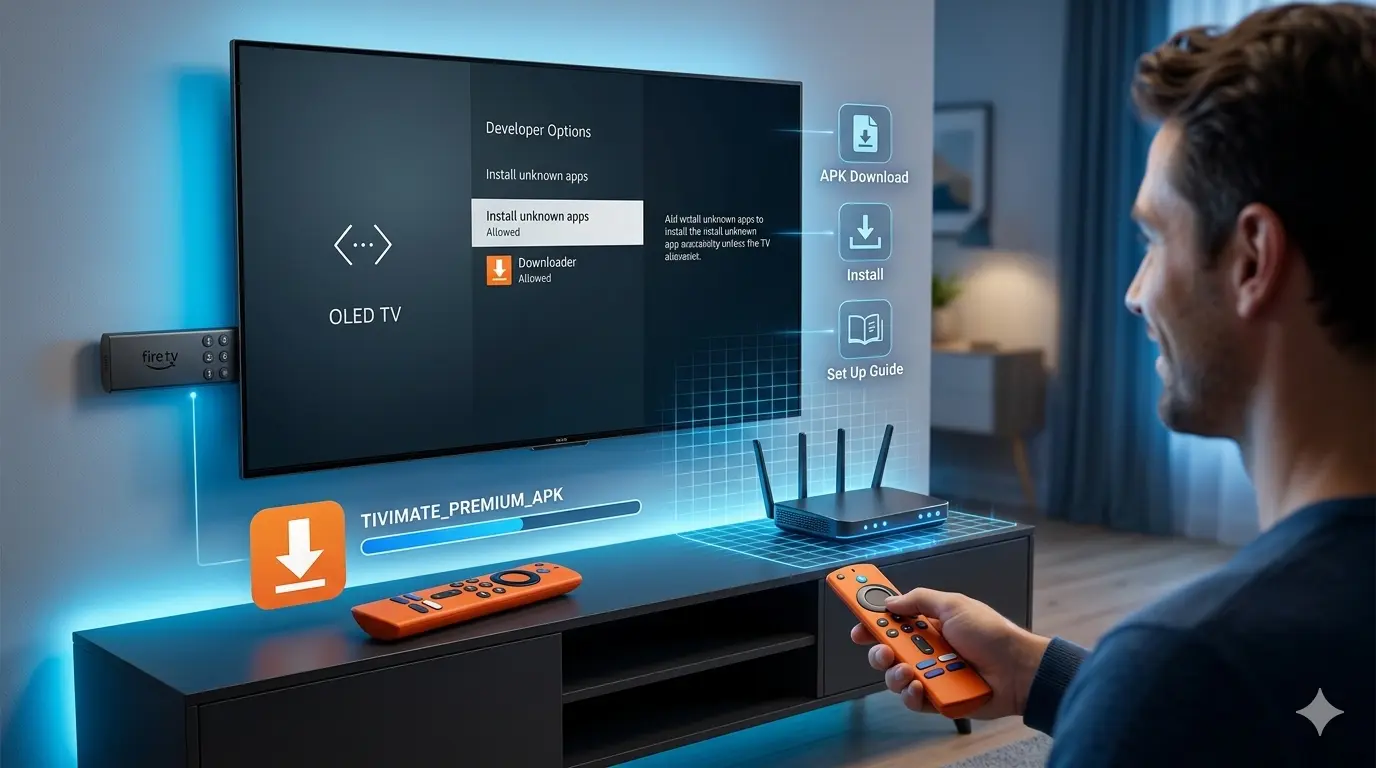
Step 1: Enable Developer Options
Since TiviMate is not in the Amazon App Store, you must allow “Unknown Sources”:
- Go to Settings on your Firestick.
- Select My Fire TV > Developer Options.
- Turn on Apps from Unknown Sources.
Step 2: Install the Downloader App
You need the Downloader app to sideload TiviMate:
- Search for “Downloader” in the Firestick search bar.
- Download and install the orange app.
Step 3: Download TiviMate
- Open the Downloader app.
- In the URL field, enter the official TiviMate download code (or the official website link).
- Click Go and wait for the file to download.
- Click Install.
Step 4: Configure TiviMate for 4K Streaming
Once installed, open the app and follow these steps to optimize your experience:
- Add Playlist: Select “Add Playlist” and enter your M3U URL provided by your IPTV service.
- Enable Hardware Decoding: Go to Settings > Playback > Hardware Decoder. Always ensure this is enabled for smooth 4K playback.
- Auto-Frame Rate: Enabling this will match your TV’s refresh rate to the stream, reducing motion blur.
Why TiviMate is the Best Choice for Firestick
Unlike other apps, TiviMate is designed for the remote control. It handles large channel lists without freezing and allows for multi-view streaming, which is perfect for sports fans.
Frequently Asked Questions (FAQ)
Q: Is TiviMate free? A: TiviMate offers a free version, but the Premium version is highly recommended to unlock features like recording, multi-view, and advanced EPG customization.
Q: Is it legal to use TiviMate? A: Yes, TiviMate is a legal media player. It does not contain any content; it is simply a tool to organize your own playlists.
Q: Does TiviMate work on non-Firestick devices? A: Yes, it works on any Android-based device, including NVIDIA Shield, Android TV boxes, and smart TVs.
Leave a Reply