Table of Contents
If you are struggling to find the best IPTV players for Firestick 2026, you aren’t alone. Many users experience buffering, playback errors, or a cluttered interface, often not realizing that the problem lies with the application itself. Having the right player is the secret to unlocking high-quality 4K streaming and a seamless entertainment experience.
In this guide, we rank the most reliable applications that will help you optimize IPTV streaming and ensure you get the best performance from your Fire TV device.
Why Your Choice of IPTV Player Matters
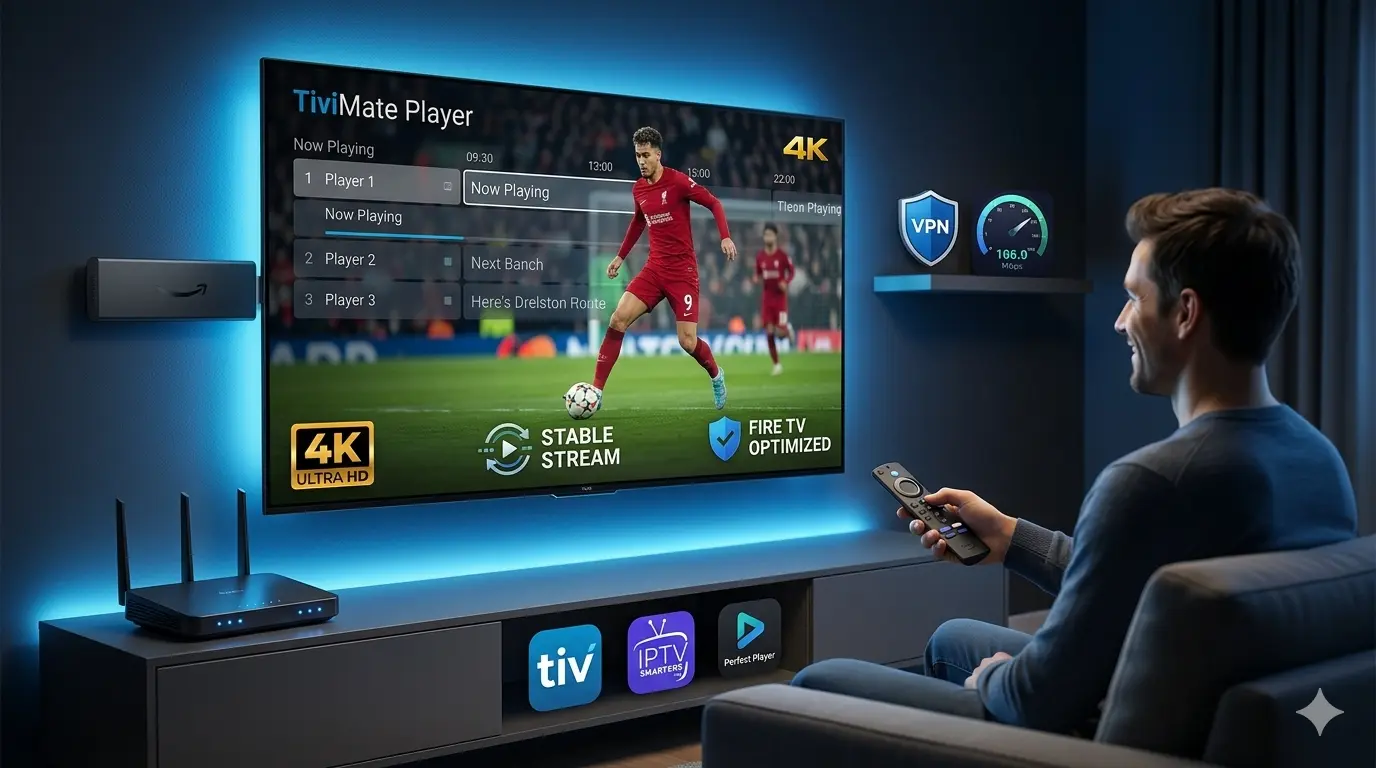
A high-quality player does more than just play video. It acts as a bridge between your IPTV service provider and your hardware. The best IPTV players for Firestick 2026 offer better hardware decoding, efficient EPG (Electronic Program Guide) management, and multi-stream capabilities that can drastically reduce lag.
Top 3 IPTV Players for Firestick 2026
1. TiviMate IPTV Player (The Premium Choice)
Widely considered the gold standard for Android-based streaming, TiviMate is the ultimate player for those who want a cable-like experience.
- Why it’s perfect for Firestick: It is highly optimized for remote control usage. Its ability to handle large EPGs and custom channel lists without slowing down is unmatched.
- Key Feature: Advanced multi-view support and customizable playback options that allow you to tweak buffer settings manually.
2. IPTV Smarters Pro (The All-Rounder)
IPTV Smarters Pro remains a staple for many due to its broad compatibility and intuitive design.
- Why it’s perfect for Firestick: It provides a very stable player core that works well even on older Firestick models. It is excellent at managing multiple playlists simultaneously.
- Key Feature: Built-in parental controls and a user-friendly “Favorites” system that keeps your content organized.
3. Perfect Player (The Lightweight Option)
If you are using an older Firestick (like the Firestick Lite or 1st Gen) with limited hardware resources, Perfect Player is your best bet.
- Why it’s perfect for Firestick: It is extremely lightweight, focusing on speed rather than fancy animations, which prevents your device from overheating or freezing during long sessions.
How to Optimize Your Streaming Setup
To get the most out of these players, remember that software is only half the battle. To truly improve your experience:
- Clear App Cache: Regularly clear your player’s cache via Firestick settings to keep the app snappy.
- Use a VPN: A VPN is essential to bypass ISP throttling, ensuring your player receives the full speed your internet plan provides.
- Check Your Connection: Ensure you are on a 5GHz Wi-Fi band or connected via Ethernet for 4K stability.
Conclusion
Investing time into finding the right software is the quickest way to fix streaming issues. By installing one of the best IPTV players for Firestick 2026, you take full control of your viewing quality.
If you still experience buffering even after changing your player, you may need to reconsider your service provider. Check our reviews of the [Best IPTV Services 2026] to find providers known for their server stability and high-quality infrastructure.
Frequently Asked Questions (FAQ)
Q: Are these IPTV players legal? A: Yes. These applications are simply media players used to organize and play digital content. They do not host or provide any content themselves.
Q: Which is the fastest IPTV player for Firestick? A: TiviMate is widely regarded as the fastest and most responsive player for the Firestick 4K and 4K Max due to its superior hardware decoding.
Q: Do I need a VPN if I have a good IPTV player? A: Yes. Regardless of how good your player is, your ISP can still throttle your connection if they detect streaming traffic. A VPN is necessary to keep your activity private.
Q: Can I use these players on other devices? A: Yes, these players are designed for Android-based systems, including Android TV boxes, NVIDIA Shield, and smart TVs running Android TV.
Q: How do I clear the cache on my Firestick? A: Go to Settings > Applications > Manage Installed Apps, select your IPTV player, and click Clear Cache.
Leave a Reply