Table of Contents
If you are searching for a TiviMate compatibility & troubleshooting guide 2026, you likely want to know why this powerful player works perfectly on some devices but presents challenges on others. Whether you are trying to install TiviMate on Firestick, setting it up on Windows 11, or wondering if it works on Roku and Apple TV, this guide covers the solutions you need to get back to streaming.
1. Device Compatibility Breakdown: What Works?
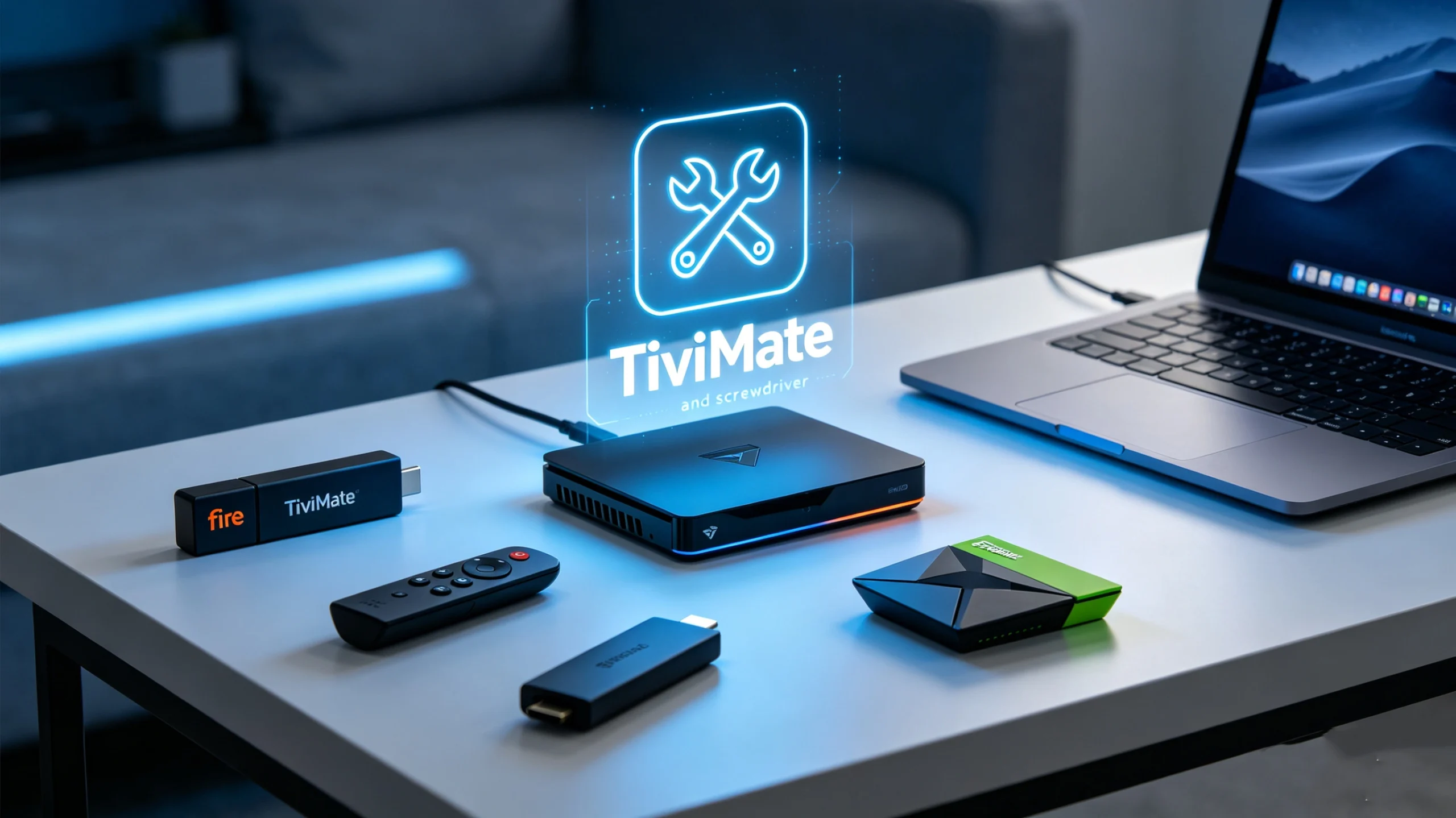
TiviMate is engineered specifically for the Android TV and Fire OS ecosystem. Understanding the landscape is the first step to avoiding frustration:
| Device Category | Compatibility | Note |
| Firestick / Fire TV | ✅ Native | Best performance with TiviMate Fire TV. |
| Nvidia Shield / Android TV | ✅ Native | The gold standard for performance. |
| Windows / Mac | ⚠️ Workaround | Requires Android Emulators (e.g., Bluestacks). |
| Roku / Apple TV | ❌ Unsupported | No native support available. |
| Samsung / LG Smart TVs | ❌ Unsupported | Requires external streaming device. |
2. Troubleshooting Firestick Installation
Many users struggle with the installation process. If you are trying to download TiviMate on Firestick, follow these steps:
- Enable Unknown Sources: Go to Settings > My Fire TV > Developer Options > Install Unknown Apps and ensure “Downloader” is turned ON.
- Use the Right Code: When using the TiviMate firestick downloader code, ensure you are typing the direct URL or the latest 6-digit TiviMate code for downloader. Always verify the source to ensure you are getting the legitimate app.
- Updates: If you encounter errors, check for app updates within the TiviMate settings menu, as outdated versions often fail to connect to your IPTV service for TiviMate.
3. Running TiviMate on PC (Windows & Mac)
While there is no official TiviMate for Windows or TiviMate for Mac app, you can still access your TiviMate playlist on a desktop:
- Download an Emulator: Install a reliable Android emulator like Bluestacks or Nox Player on your PC.
- Sync Your Account: Log in to your Google Play Store account within the emulator.
- Install the App: Download TiviMate directly from the Play Store inside the emulator to use TiviMate on Windows 11 or older versions.
- Note: Emulators are resource-heavy; ensure your PC has sufficient RAM for smooth 4K playback.
4. Fixing Common Playback & EPG Errors
If your channels aren’t loading, the issue usually stems from the TiviMate playlist M3U connection or the service provider.
- Playlist Issues: If your TiviMate playlist is failing to update, verify that your URL from your best IPTV for TiviMate provider is active and hasn’t expired.
- EPG Sync: Navigate to Settings > EPG > EPG Sources and force an update. If data is still missing, clear the app cache.
- The Service Factor: 90% of “player” issues are actually server issues. Using a premium, stable service like [suspicious link removed] ensures that your M3U playlist is always connected to a high-uptime server, minimizing buffering and authentication errors.
5. Final Advice for Unsupported Devices
If you are currently using a Roku, Apple TV, or a native Samsung TV and are disappointed that you cannot use TiviMate for Roku or TiviMate for Apple TV, don’t settle for inferior players. The most cost-effective solution is to purchase an entry-level Firestick. Plugging it into your TV’s HDMI port immediately grants you access to TiviMate on Firestick, allowing you to enjoy the best IPTV player interface regardless of your TV’s native OS.
6. Advanced Performance: Buffering Fixes
Even with a premium IPTV service like [suspicious link removed], you may occasionally encounter playback issues due to network settings or hardware limitations. Try these advanced solutions:
- Buffer Size: Go to Settings > Playback > Buffer Size. If you have a high-speed internet connection, setting this to “Large” can significantly reduce stuttering.
- Hardware Decoding: Ensure Hardware Decoding is enabled in the app settings. This offloads video processing from the main CPU to the GPU, resulting in a smoother playback experience.
- VPN Usage: If you suspect your Internet Service Provider (ISP) is throttling your connection, using a reputable VPN may improve streaming quality.
7. Frequently Asked Questions (FAQ)
Q: Is there an official TiviMate app for Apple TV? A: No, TiviMate Apple TV is not supported, and there are currently no official plans to support the tvOS platform.
Q: Why do I see “Playlist not found” or loading errors? A: First, verify the URL for your TiviMate playlist M3U. Often, this is caused by an expired subscription or a typo in the link provided by your getxtreamiptv.com service.
Q: Does TiviMate work on Samsung Smart TVs? A: No, the app does not work natively on Tizen OS. The best solution is to use an external streaming device like a Firestick to upgrade your TV’s capabilities.
Q: What is the difference between TiviMate Free and Premium regarding devices? A: The Premium version allows you to activate the app on up to 5 devices simultaneously, which is essential for households using multiple devices like Firesticks and Android boxes.
Q: Can I download TiviMate directly from the Amazon Appstore? A: Yes, you can search for it in the Fire TV Appstore, but if it is unavailable in your region, using the TiviMate firestick downloader code is the most reliable way to get the latest official version.
Q: Is TiviMate safe to use? A: Yes, TiviMate is simply a media player and does not host any pirated content. Its safety depends entirely on the reliability of the IPTV service for TiviMate you choose to subscribe to.
Final Thoughts
Mastering TiviMate opens up a new world of digital streaming. Whether you are a beginner trying to install TiviMate on Firestick or a power user setting it up on Windows 11, remember that the secret to a stable stream lies in the balance between a powerful player and a trusted service. We invite you to try [suspicious link removed] to ensure you receive the highest stability and performance year-round.
Leave a Reply